Connect your Android test device
Use a USB cable that supports data transfer and keep the phone unlocked while LeapWay checks the connection.
Read the connection checklistFor Android app development and QA. Connect a test device over USB, complete the companion-assistant setup, and choose a test location from your Windows desktop.
Windows 10 / 11 · Version 1.0.0 · Currently free · UI in Simplified Chinese
A verified Android device/version list is not yet published. Check the current compatibility notes.
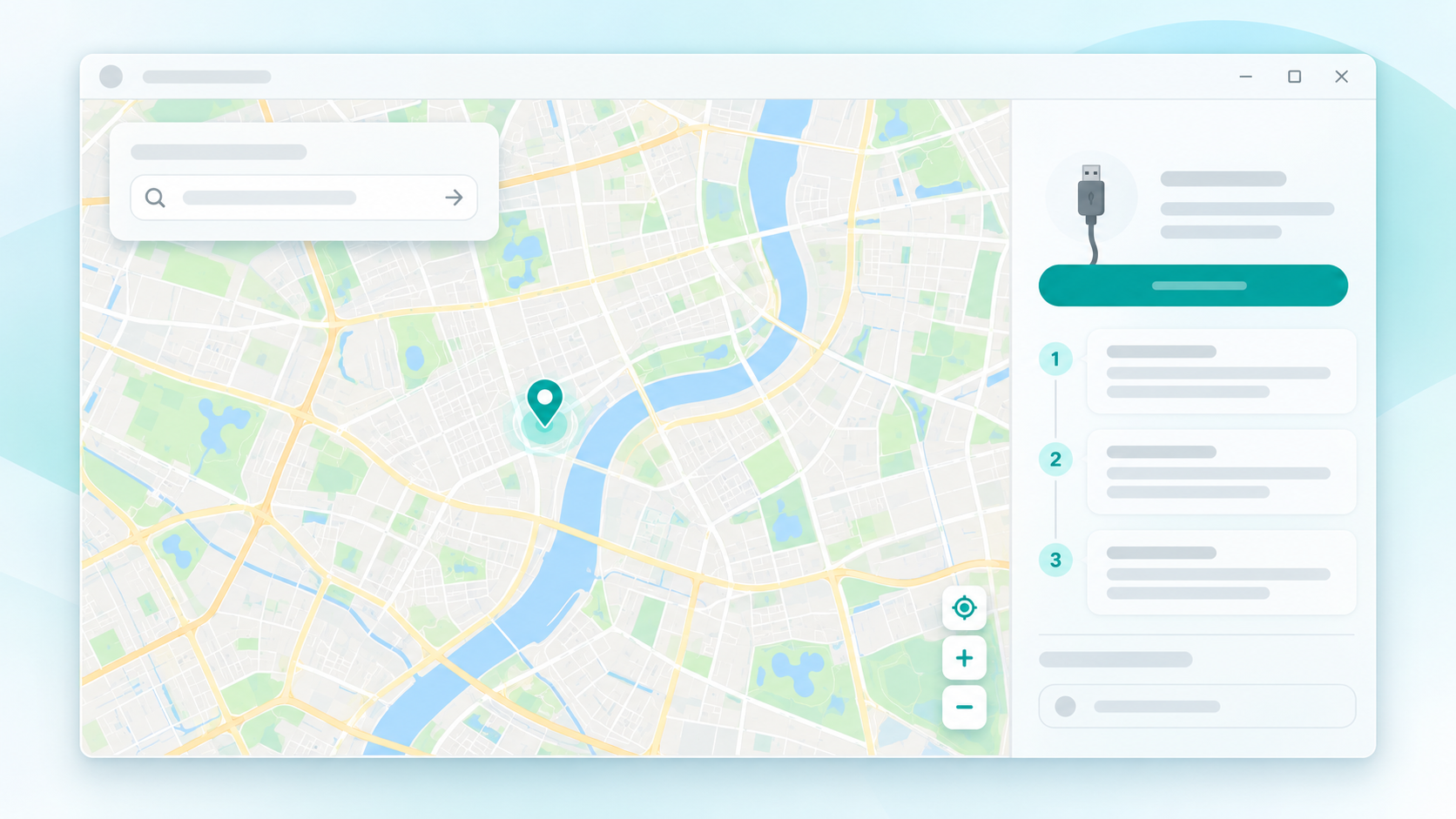
A visual guide to what to prepare and what happens during your first location test.
Use a USB cable that supports data transfer and keep the phone unlocked while LeapWay checks the connection.
Read the connection checklist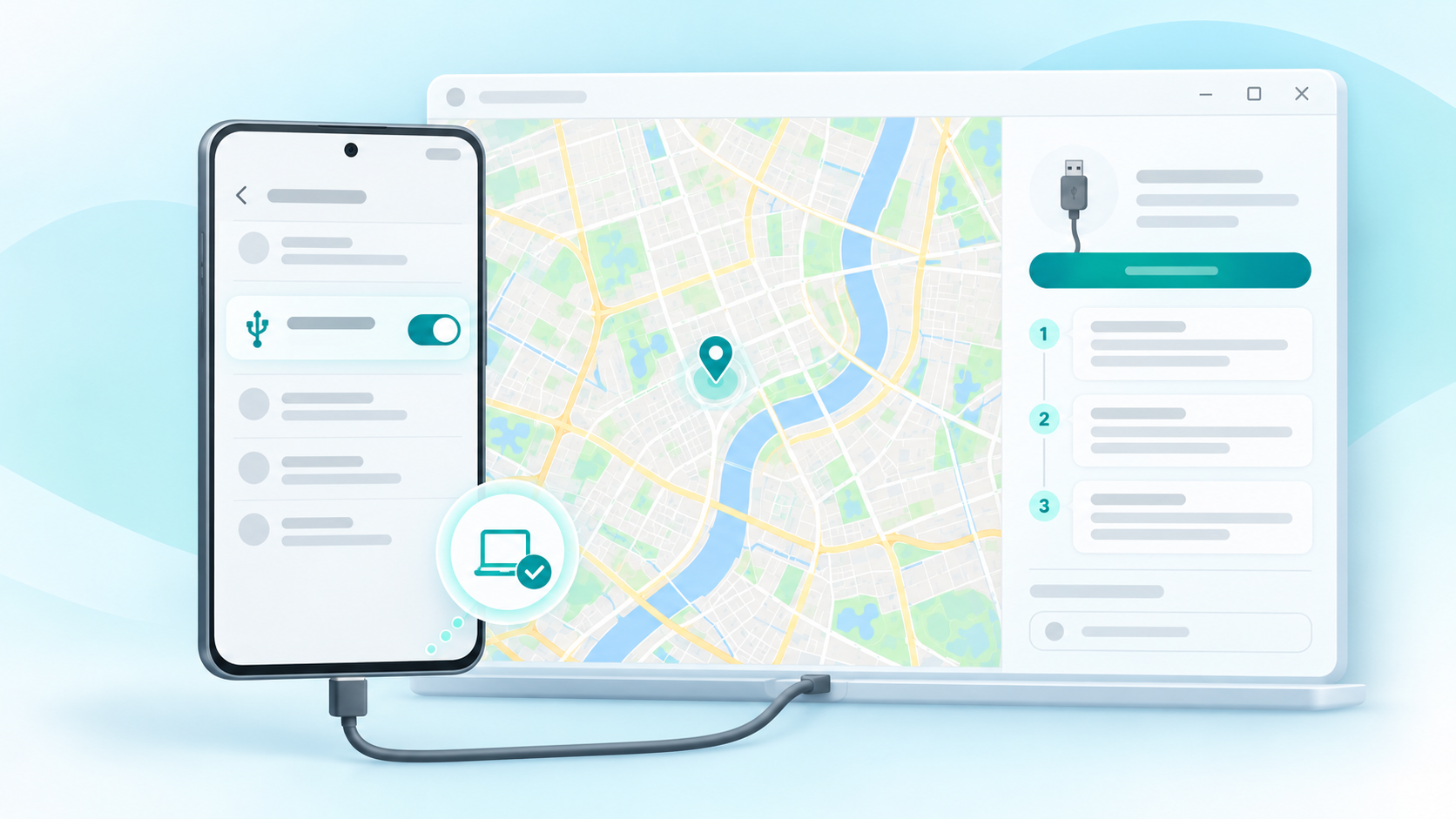
Turn on Developer options and USB debugging, then approve the prompt for a computer you trust.
See the Android setup steps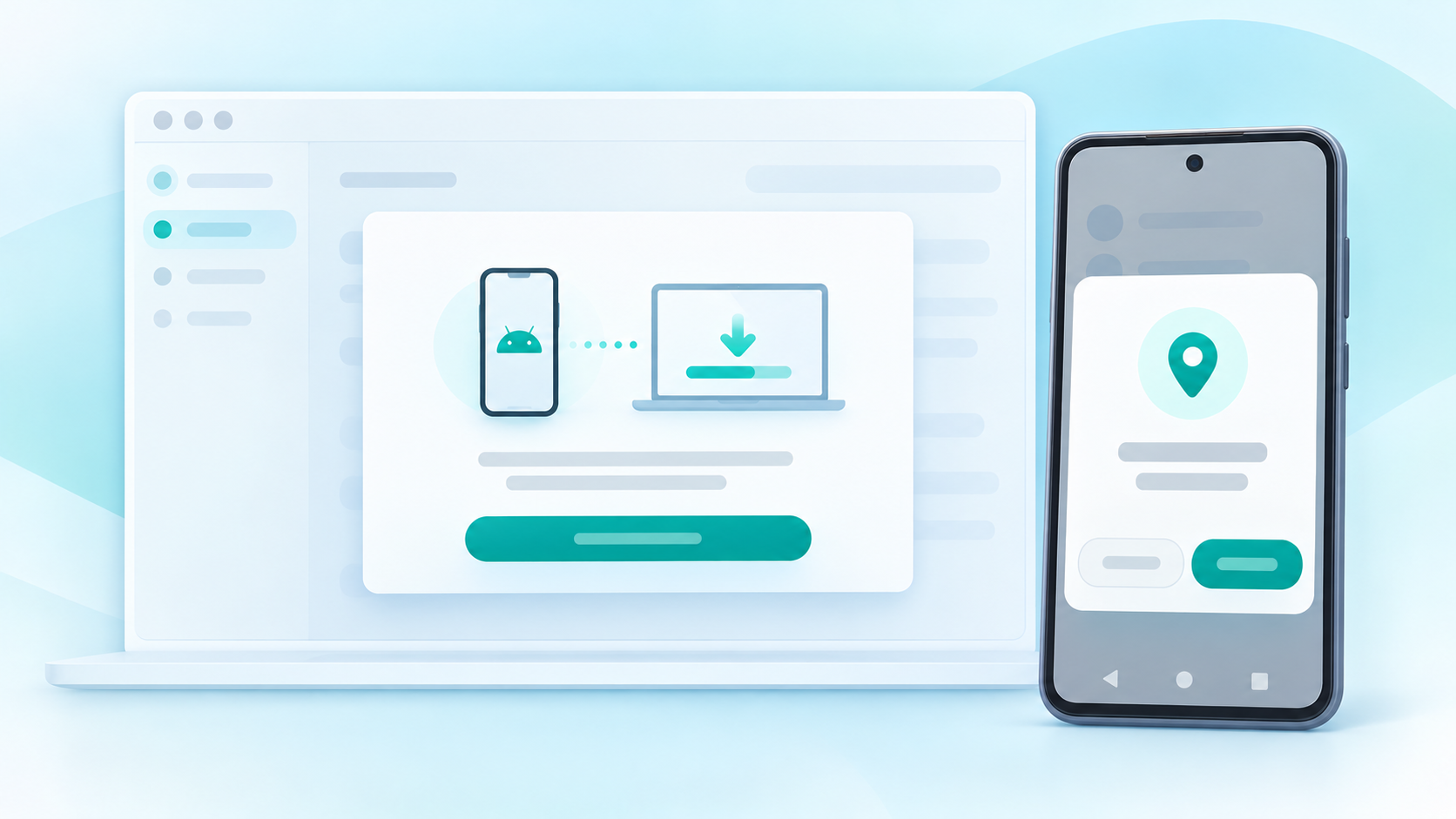
Use the Windows client’s setup guidance to install the Android assistant and grant the requested location permission.
Review first-time setup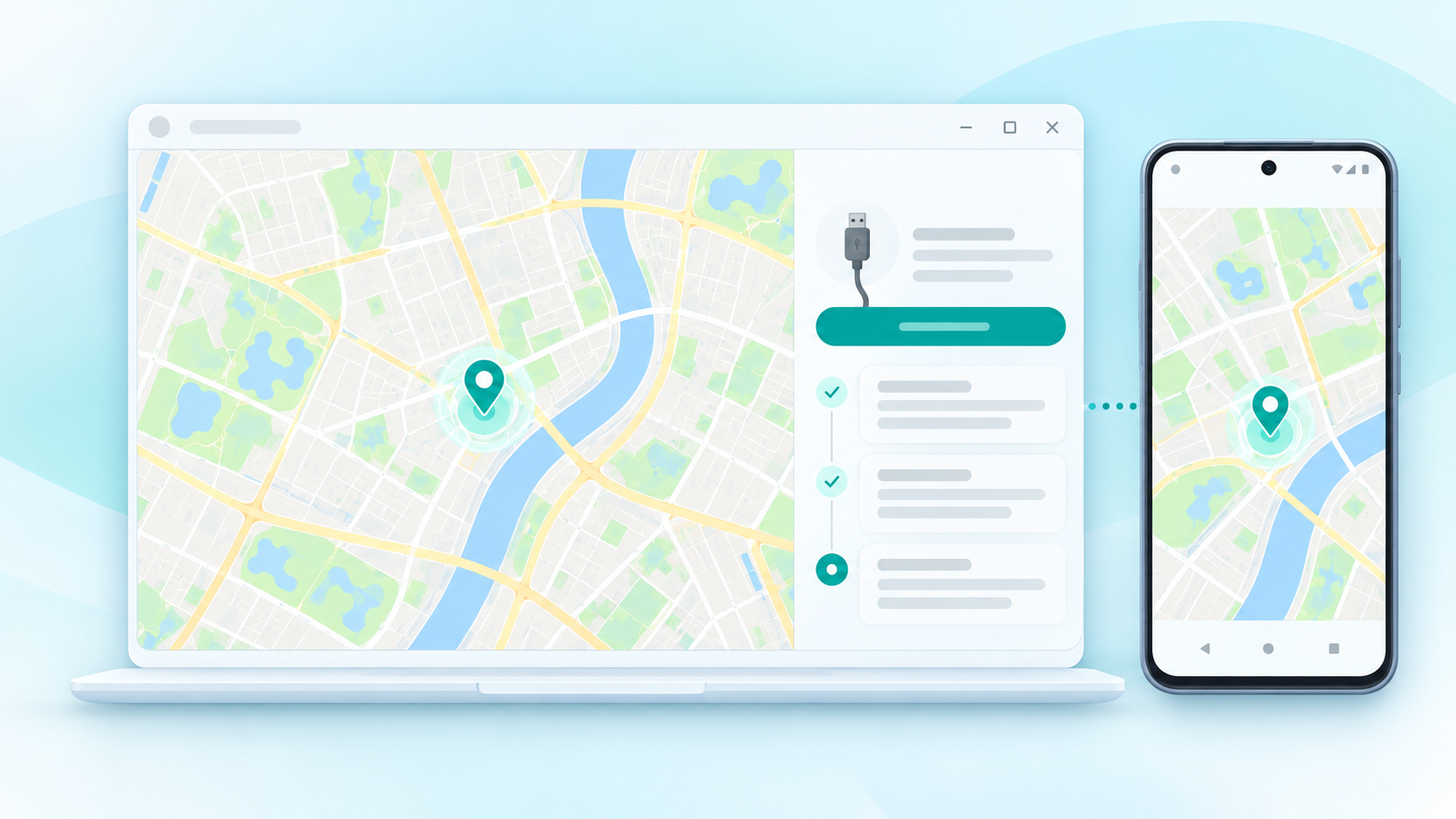
Select a point on the desktop map, then check the result on your Android test device.
Read compatibility and recovery notesThese generated images are explanatory illustrations based on LeapWay’s map-and-USB workflow. They are not captured software screens or a live demo; exact interface details may differ.
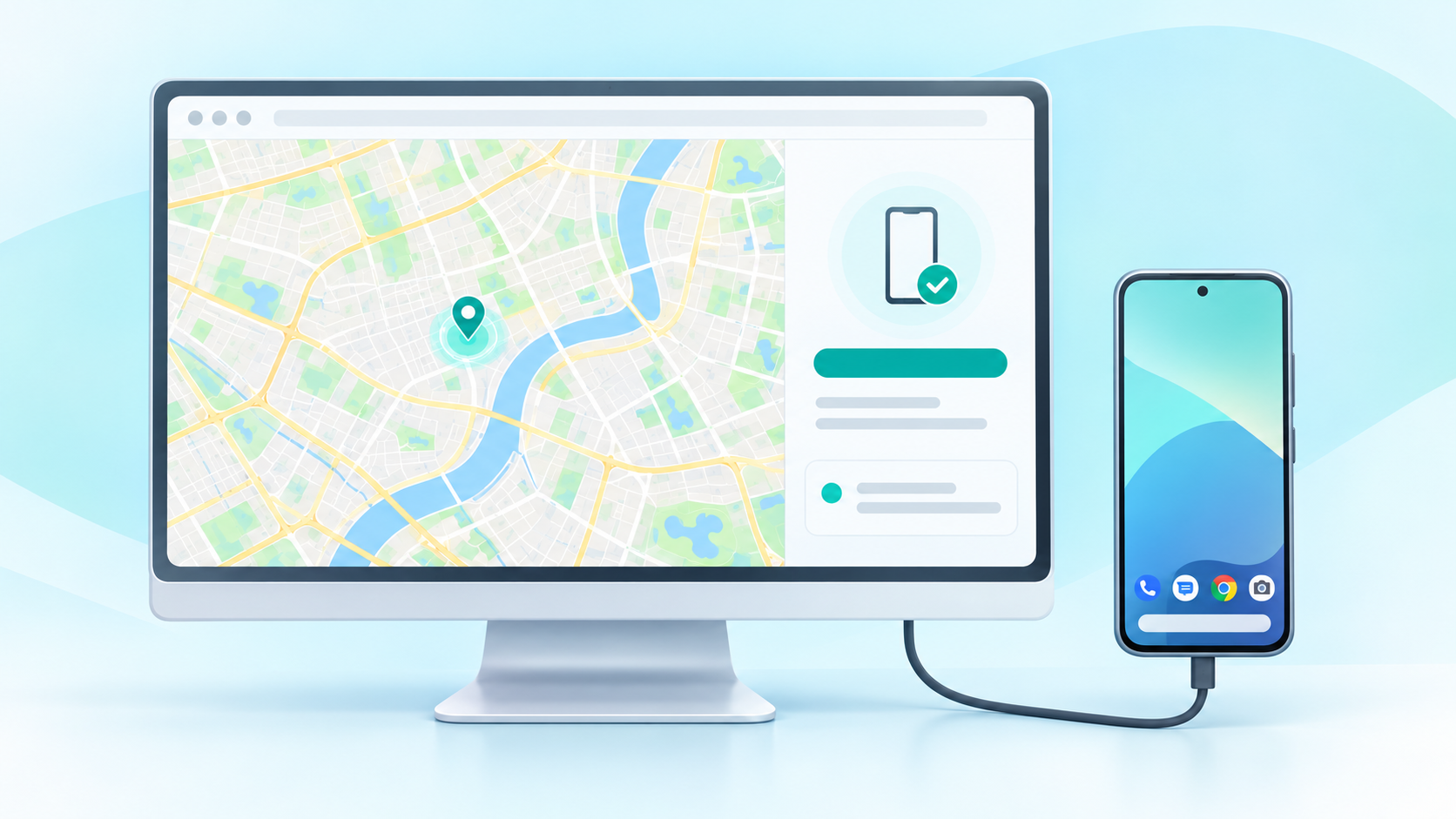
Connect a device, follow the setup prompts, and choose a location from one Windows desktop workspace.
Select a point from the desktop map to prepare a location test on your connected Android device.
The connection panel explains the cable, developer options, USB debugging, and the authorization prompt.
See device connection guidance beside the map, so the next setup step stays close to the location workflow.
We list the current requirements clearly and call out where compatibility has not yet been verified.
A Windows 10 or 11 computer, an Android device, a data-capable USB cable, Developer options, USB debugging, on-device authorization, and the companion assistant.
Open the setup guide Android mock location guideDownload the currently free Windows client and review the setup guide before connecting a device.
Installer version 1.0.0 · review setup requirements first